Home / Projects / obstacle avoider robot
obstacle avoider robot
500 Reviews
An obstacle avoidance robot is an autonomous intelligent machine designed to navigate through an unknown environment by detecting impediments in its path and maneuvering around them without colliding.
N45,000.00
-Products

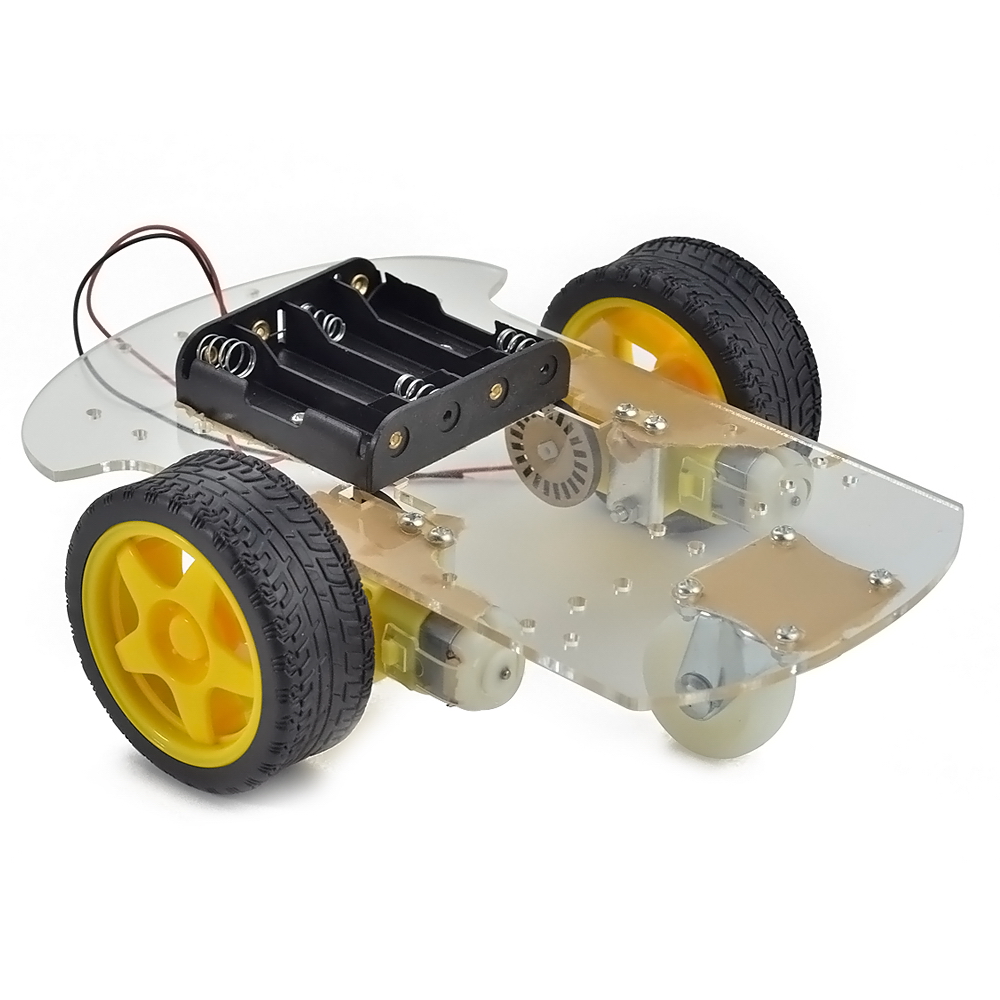
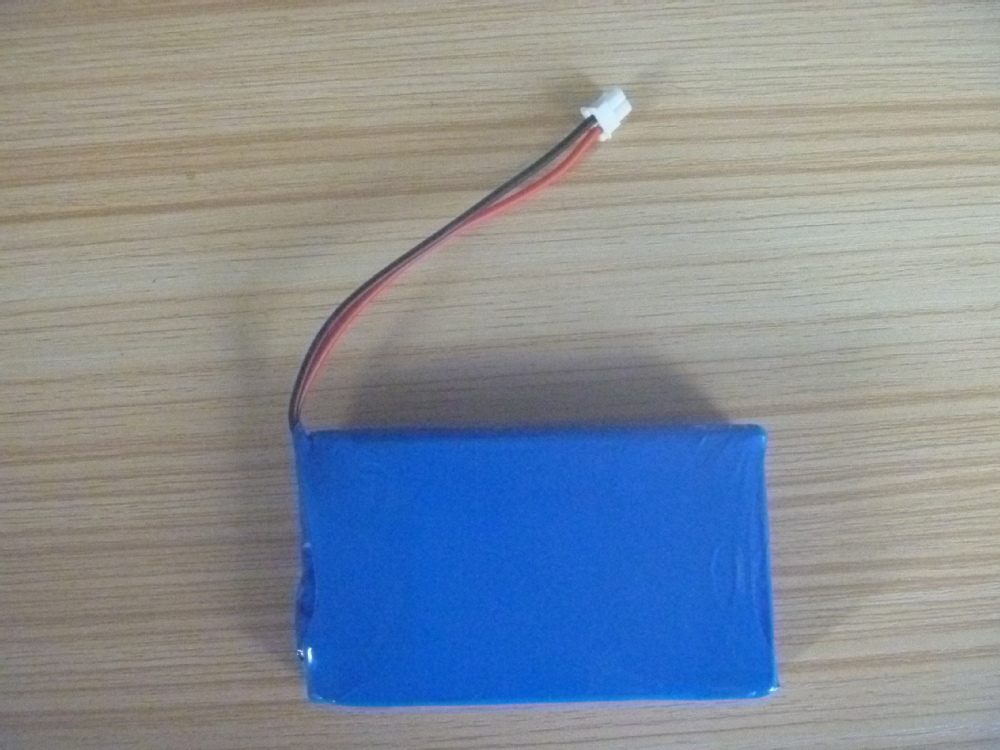
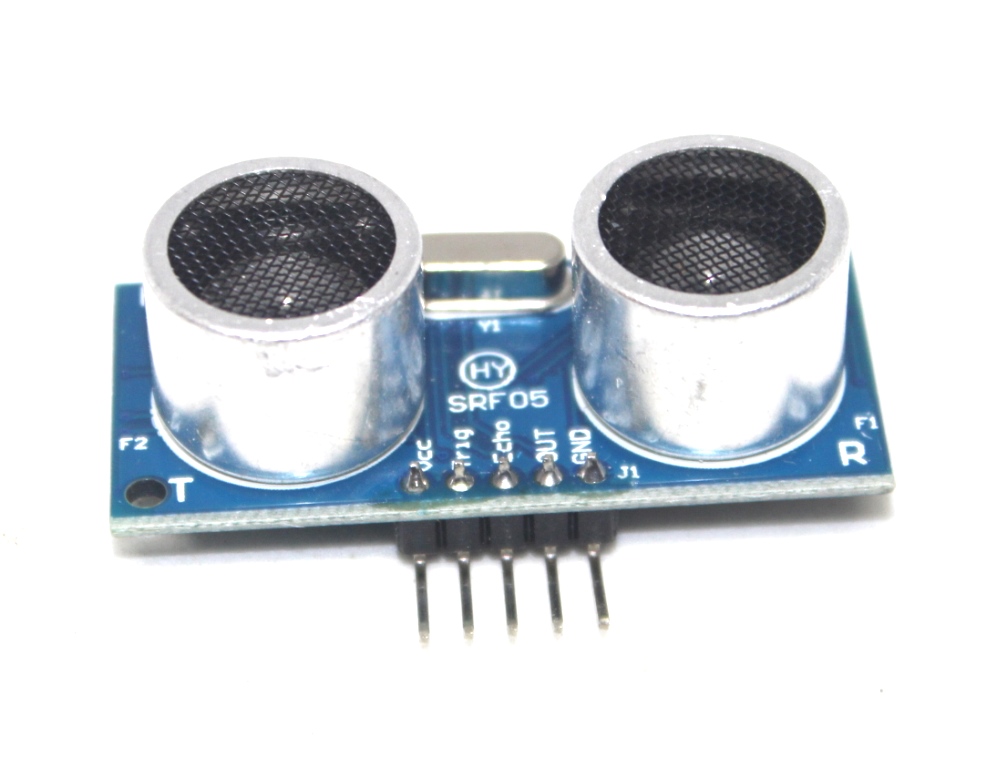
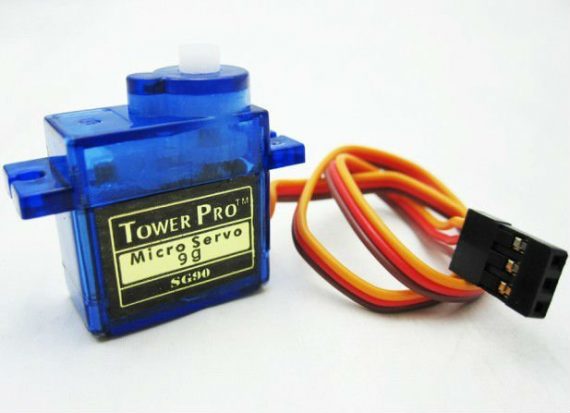
Obstacle Avoiding Robot is an intelligent device which can automatically sense the obstacle in front of it and avoid them by turning itself
Things used in this project
Hardware components
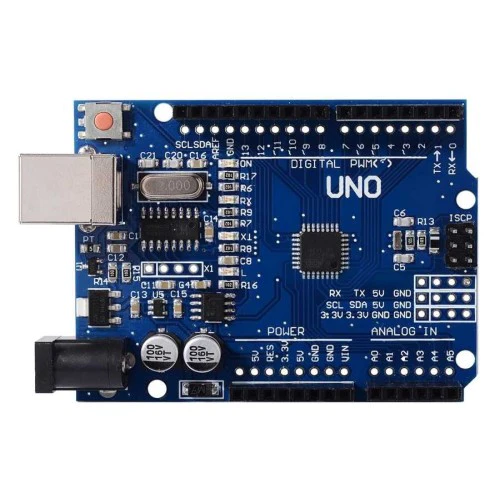
Arduino UNO × 1
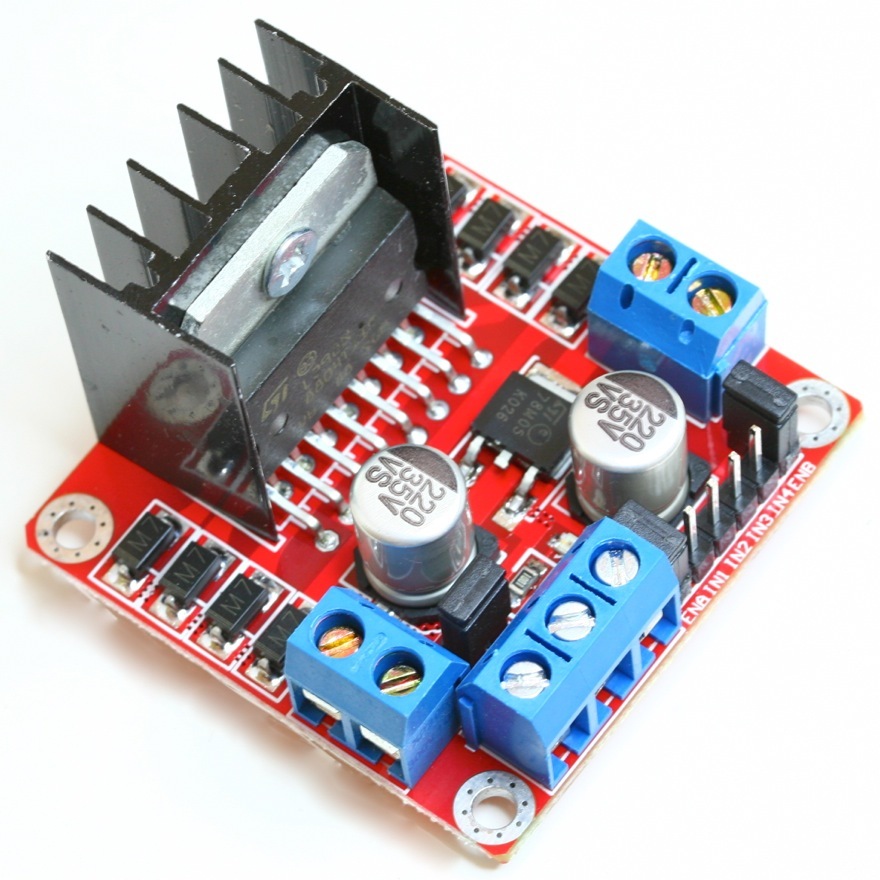
Dual H-Bridge motor drivers L298N
Ultrasonic Sensor - HC-SR04
dc gear motor x 2
usb cable
sg90r servo x 1
chassis
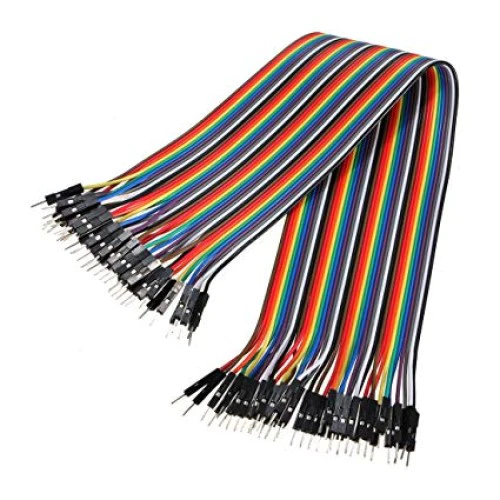
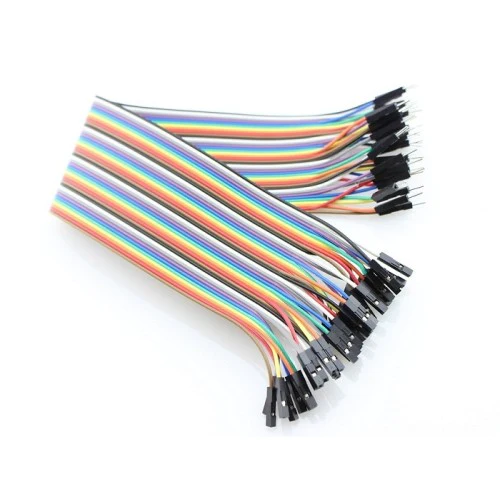
jumer cables(m-m, f-m)
switch
lithium_ion battery
How Ultrasonic Sensor can be used to Avoid Obstacles
Before going to build the robot, it is important to understand how the ultrasonic sensor works because this sensor will have important role in detecting obstacle. The basic principle behind the working of ultrasonic sensor is to note down the time taken by sensor to transmit ultrasonic beams and receiving the ultrasonic beams after hitting the surface. Then further the distance is calculated using the formula. In this project, the widely available HC-SR04 Ultrasonic Sensor is used. To use this sensor, similar approach will be followed explained above.
So, the Trig pin of HC-SR04 is made high for at least 10 us. A sonic beam is transmitted with 8 pulses of 40KHz each.
The signal then hits the surface and return back and captured by the receiver Echo pin of HC-SR04. The Echo pin had already made high at the time sending high.
The time taken by beam to return back is saved in variable and converted to distance using appropriate calculations like belowDistance= (Time x Speed of Sound in Air (343 m/s))/2
chassis, any toy chassis can be used or can be customade.
Components Required
-
Arduino NANO or Uno (any version)
-
HC-SR04 Ultrasonic Sensor
-
LM298N Motor Driver Module
-
5V DC Motors
-
Battery
-
Wheels
-
Chassis
-
Jumper Wires
** circuit diagram**
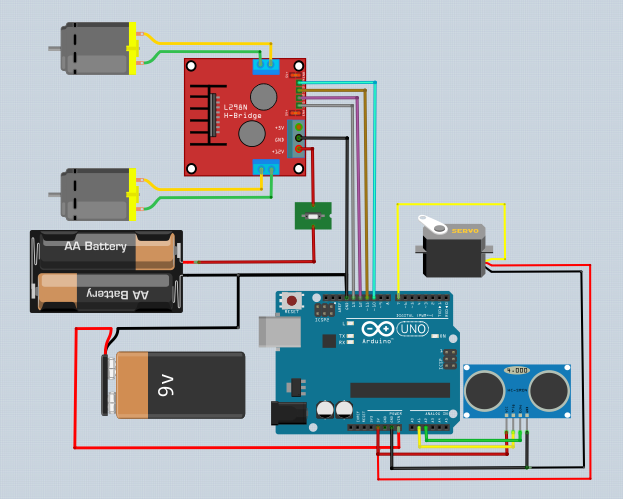
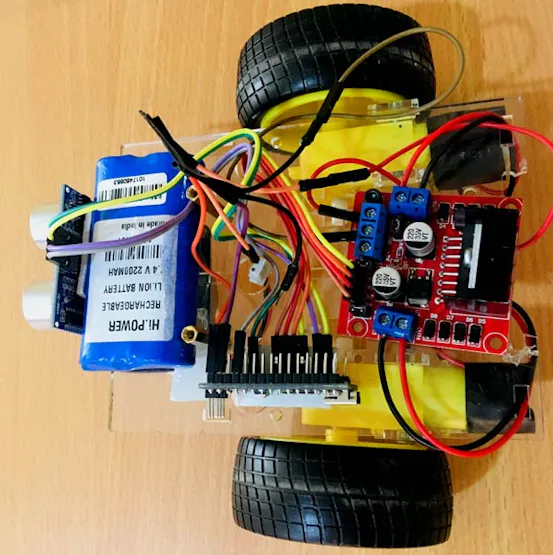
Programming Arduino for Obstacle Avoiding Robot
Complete program with a demonstration video is given at the end of this project. The program will include setting up HC-SR04 module and outputting the signals to Motor Pins to move motor direction accordingly. No libraries will be used in this project.
First define trig and echo pin of HC-SR04 in the program. In this project the trig pin is connected to GPIO9 and echo pin is connected to GPIO8 of Arduino UNO.
Servo pin is connected to pin 10 on the arduino . All grounds are tied together
#include <Servo.h> Servo Myservo; #define trigPin 9 // Trig Pin Of HC-SR04 #define echoPin 8 // Echo Pin Of HC-SR04 #define MLa 4 //left motor 1st pin #define MLb 5 //left motor 2nd pin #define MRa 6 //right motor 1st pin #define MRb 7 //right motor 2nd pin long duration, distance;
void setup() {
Serial.begin(9600);
pinMode(MLa, OUTPUT); // Set Motor Pins As O/P
pinMode(MLb, OUTPUT);
pinMode(MRa, OUTPUT);
pinMode(MRb, OUTPUT);
pinMode(trigPin, OUTPUT); // Set Trig Pin As O/P To Transmit Waves
pinMode(echoPin, INPUT); //Set Echo Pin As I/P To Receive Reflected Waves
Myservo.attach(10);
}
void loop()
{
Serial.begin(9600);
digitalWrite(trigPin, LOW);
delayMicroseconds(2);
digitalWrite(trigPin, HIGH); // Transmit Waves For 10us
delayMicroseconds(10);
duration = pulseIn(echoPin, HIGH); // Receive Reflected Waves
distance = duration / 58.2; // Get Distance
Serial.println(distance);
delay(10);
if (distance > 15) // Condition For Absence Of Obstacle
{
Myservo.write(90);
digitalWrite(MRb, HIGH); // Move Forward
digitalWrite(MRa, LOW);
digitalWrite(MLb, HIGH);
digitalWrite(MLa, LOW);
}
else if ((distance < 10)&&(distance > 0)) // Condition For Presence Of Obstacle
{
digitalWrite(MRb, LOW); //Stop
digitalWrite(MRa, LOW);
digitalWrite(MLb, LOW);
digitalWrite(MLa, LOW);
delay(100);
Myservo.write(0);
delay(500);
Myservo.write(180);
delay(500);
Myservo.write(90);
delay(500);

digitalWrite(MRb, LOW);     // Move Backward
digitalWrite(MRa, HIGH);
digitalWrite(MLb, LOW);
digitalWrite(MLa, HIGH);
delay(500);
digitalWrite(MRb, LOW);        //Stop
digitalWrite(MRa, LOW);
digitalWrite(MLb, LOW);
digitalWrite(MLa, LOW);
delay(100);
digitalWrite(MRb, HIGH);     // Move Left
digitalWrite(MRa, LOW);
digitalWrite(MLa, LOW);
digitalWrite(MLb, LOW);
delay(500);
}
}
Reviews(10)
5.0
66%
4.0
33%
3.0
16%
2.0
8%
1.0
6%
No reviews yet. Be the first to add a review!